


Creating a clutter-free home office space is essential for maintaining focus and boosting productivity. Whether you work from home full-time or occasionally, having a tidy, organised area can make all the difference. Here are simple tips to help you organise your home office and keep it clutter-free throughout the year.
Why a Clutter-Free Home Office Matters
A clean and organised workspace helps reduce stress, saves time searching for items, and creates a comfortable environment that encourages focus. Clutter can distract you and lower your motivation, so investing time in organising your home office is worthwhile.
—
Declutter Before You Start Organising
Assess What You Need
Start by looking at all the items currently in your office space. Sort them into three piles:
- Essentials – items you use daily or weekly
- Occasionally needed – items used less frequently
- Unnecessary – items that don’t belong or are no longer needed
Removing unnecessary items reduces clutter and frees up space, making organisation easier.
Clear Your Desk Completely
Empty your desk space and wipe it down. This fresh start will help you visualise the best way to set up your workspace.
—
Practical Tips for a Clutter-Free Desk
Keep Surfaces Clear
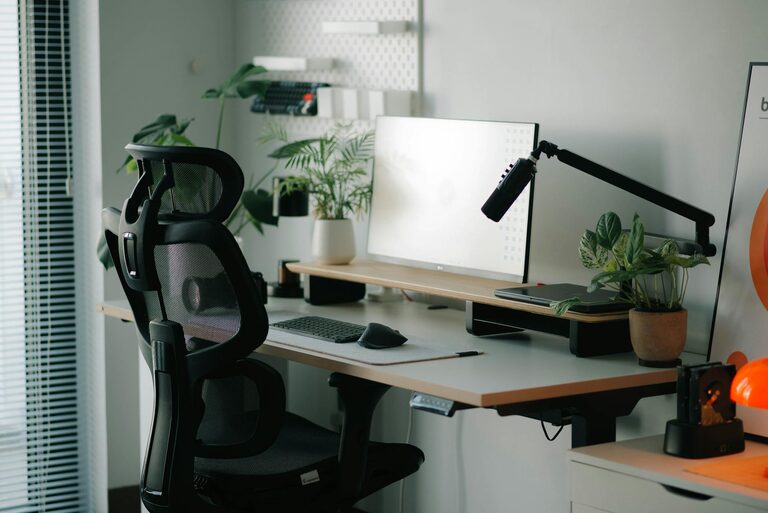
Limit the number of items on your desk to the essentials such as your computer, a lamp, and perhaps a notebook or pen holder. Avoid piling up papers and miscellaneous items.
Use Drawer Organisers
Install organisers or trays in your drawers to keep stationery, cables, and small electronics neatly separated. This prevents drawers from becoming chaotic stores of clutter.
Cable Management
Use cable ties, clips, or cable boxes to tidy up wires from your computer, printer, or chargers. Tangled cables not only look untidy but can also be frustrating to deal with.
—
Storage Solutions to Maximise Space
Shelving Units
Add shelves above or beside your desk to hold books, binders, or decorative items. Vertical storage helps keep your desktop clear.
Storage Boxes and Baskets
Choose boxes or baskets that fit your style and label them clearly. They’re perfect for storing paperwork, office supplies, or electronics you don’t use daily.
Filing Cabinets or Portable Organisers
For paper-heavy work, a filing cabinet or portable organiser is a must. Keep files sorted into categories and regularly review to remove outdated documents.
—
Organising Digital Clutter
Keep Your Desktop Clean
Just as a physical desk needs tidiness, your computer desktop should be organised. Create folders for different projects and avoid storing unnecessary files.
Use Cloud Storage
Storing documents in the cloud reduces the need for physical copies. It also makes your files accessible from multiple devices.
—
Develop Habits to Maintain Organisation
Daily Tidy-Up
Spend five minutes at the end of each day clearing your workspace. Put away items, file papers, and prepare for the next day to avoid clutter build-up.
Weekly Review
Take a little extra time each week to review your storage areas and desk. Dispose of rubbish, organise loose papers, and check your supplies.
—
Making the Space Inviting
Personal Touches
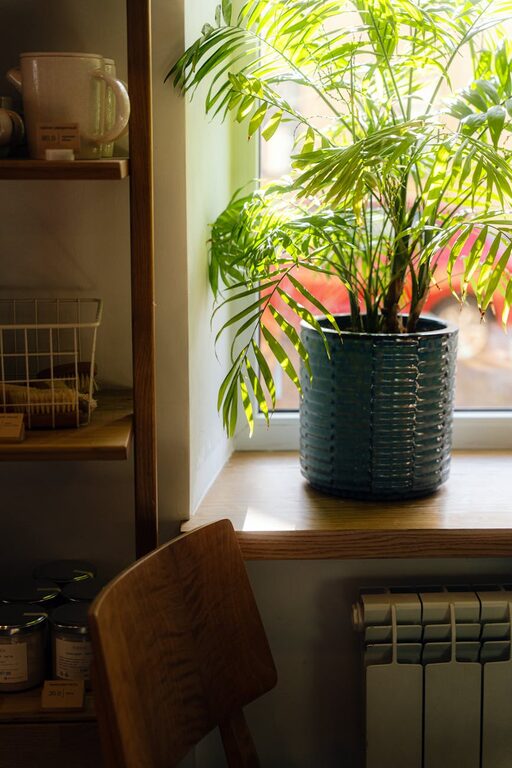
Keep a few personal items that inspire you, such as a plant, photo, or artwork. Just be cautious not to let personal items become additional clutter.
Good Lighting
Ensure your home office is well-lit. Natural light is best, but task lighting can reduce eye strain and keep your workspace inviting.
—
Final Thoughts
Organising a clutter-free home office isn’t about perfection; it’s about creating a system that works for you and supports your productivity. Start small, declutter regularly, and use smart storage to maintain a calm and efficient workspace. With these simple tips, your home office can become a pleasant and inspiring place to work every day.