


Creating a productive home office environment is essential for anyone working remotely or juggling tasks from home. A well-designed workspace not only improves focus and motivation but also helps maintain a healthy work-life balance. Whether you have a spare room or a small corner in your living space, this guide offers practical tips to help you design an office that supports productivity and wellbeing.
Choose the Right Location
Finding the best spot for your home office is the first step towards productivity. Ideally, look for a space with plenty of natural light, minimal distractions, and enough room for your work essentials.
– Natural Light: Position your desk near a window to benefit from daylight, which boosts mood and alertness.
– Quiet Area: Select a quiet corner or room away from noisy zones like the kitchen or living room.
– Space to Move: Ensure there is enough room to stretch, move around, and store necessary equipment.
Invest in Ergonomic Furniture
Comfort is key when you spend hours working at your desk. Investing in ergonomic furniture helps prevent discomfort and long-term health issues.
– Ergonomic Chair: Choose a chair with adjustable height, good lumbar support, and cushioning.
– Desk Height: Your desk should allow your forearms to rest parallel to the floor when typing.
– Monitor Position: Place your computer monitor at eye level to avoid neck strain.
Keep Your Workspace Organised
An organised workspace reduces stress and saves time. Establish a system that works for you to keep everything neat.
– Declutter Regularly: Clear your desk of unnecessary items daily.
– Use Storage Solutions: Drawers, shelves, and organisers keep supplies tidy.
– Cable Management: Use clips or cable trays to avoid tangled wires.
Personalise Your Space
Adding personal touches makes your office inviting and encourages you to spend time there.
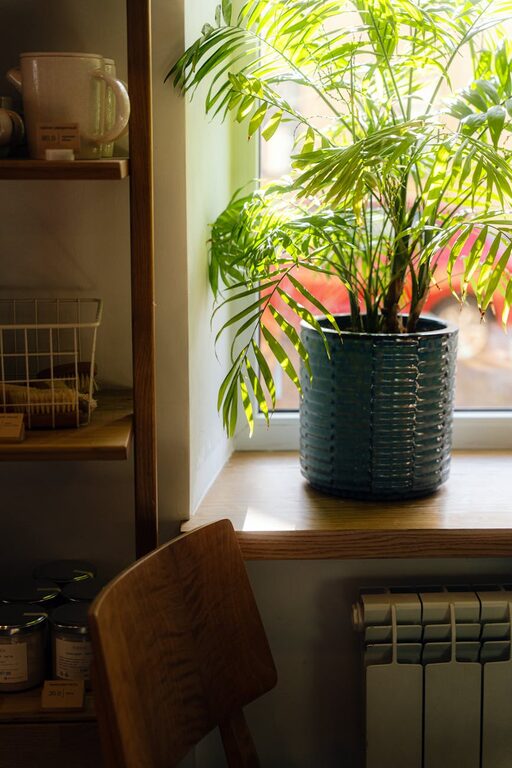
– Plants: Indoor plants improve air quality and add a calming effect.
– Artwork: Hang motivating or soothing pictures for inspiration.
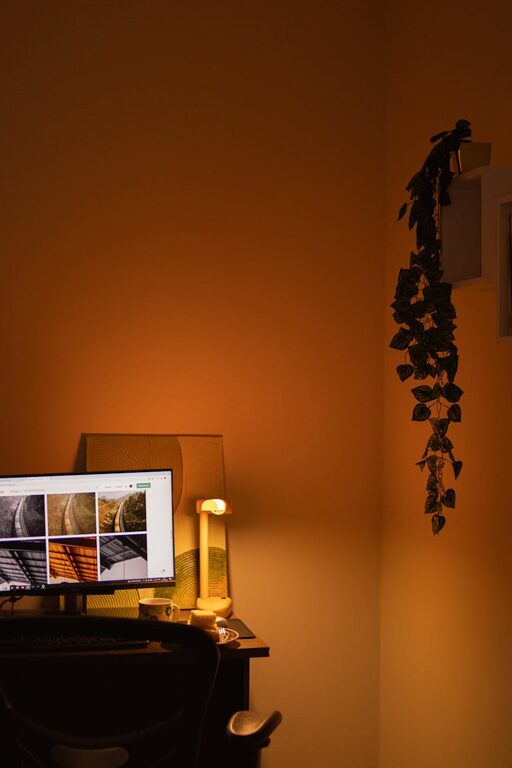
– Lighting: Adjustable lamps help provide adequate lighting during darker hours.
Minimise Distractions
To maintain focus, limit interruptions and distractions as much as possible.
– Set Boundaries: Communicate your working hours to family or housemates.
– Turn off Notifications: Silence unnecessary phone or computer notifications.
– Use Noise-Cancelling Headphones: These can help drown out background noise.
Develop a Routine
Having a consistent daily routine boosts productivity and helps separate work time from personal time.
– Set Working Hours: Decide when you start and finish each day.
– Take Breaks: Regular short breaks improve concentration—try the Pomodoro Technique (25 minutes work, 5 minutes rest).
– Dress for Success: Changing out of pyjamas can mentally prepare you for work.
Utilise Technology Wisely
There are many tools and apps designed to improve home working efficiency.
– Task Management Software: Use tools like Trello or Asana to organise tasks.
– Video Conferencing: Ensure your camera and microphone are good quality.
– Cloud Storage: Save files online (e.g., Google Drive) for easy access and sharing.
Prioritise Wellbeing
Working from home can blur the lines between work and rest, so self-care is vital.
– Stay Active: Incorporate physical activity into your day.
– Maintain Proper Posture: Be mindful of your sitting position.
– Hydrate and Snack Wisely: Keep water and healthy snacks close by.
Final Thoughts
Creating an effective home office environment involves combining comfort, organisation, and good habits. By choosing the right location, investing in ergonomic furniture, keeping your space tidy, and managing distractions, you set yourself up for productive and enjoyable workdays. Remember that your home office should be a place where you feel motivated and balanced, making working from home a rewarding experience.